Introduction
Snake is one of those games that proves you don't need fancy graphics to keep people entertained.
If you grew up playing Snake on old Nokia phones, you already know how addictive this simple game can
be. The rules are straightforward: eat the food, grow longer, and avoid crashing into walls or your own
tail. Within seconds, anyone can start playing — but surviving as the snake grows longer is where the
real challenge begins.
This project recreates the classic Snake game using HTML, CSS, and JavaScript. Along the way, you’ll
learn about keyboard input, dynamic rendering, score tracking, and even saving your high score with
Local Storage. It’s beginner friendly, yet teaches skills that are useful in bigger projects.
Features of the Game
- Classic Snake gameplay
- Random food generation
- Real-time score updates
- High score saved using Local Storage
- Keyboard controls
- Mobile-friendly touch controls
- Restart and replay functionality
Simple concept. Surprisingly addictive.
HTML: Keeping Things Simple
One of the best parts of this project is that the HTML stays clean and easy to understand.
Instead
of manually creating every part of the snake, the page only provides the basic structure needed for the
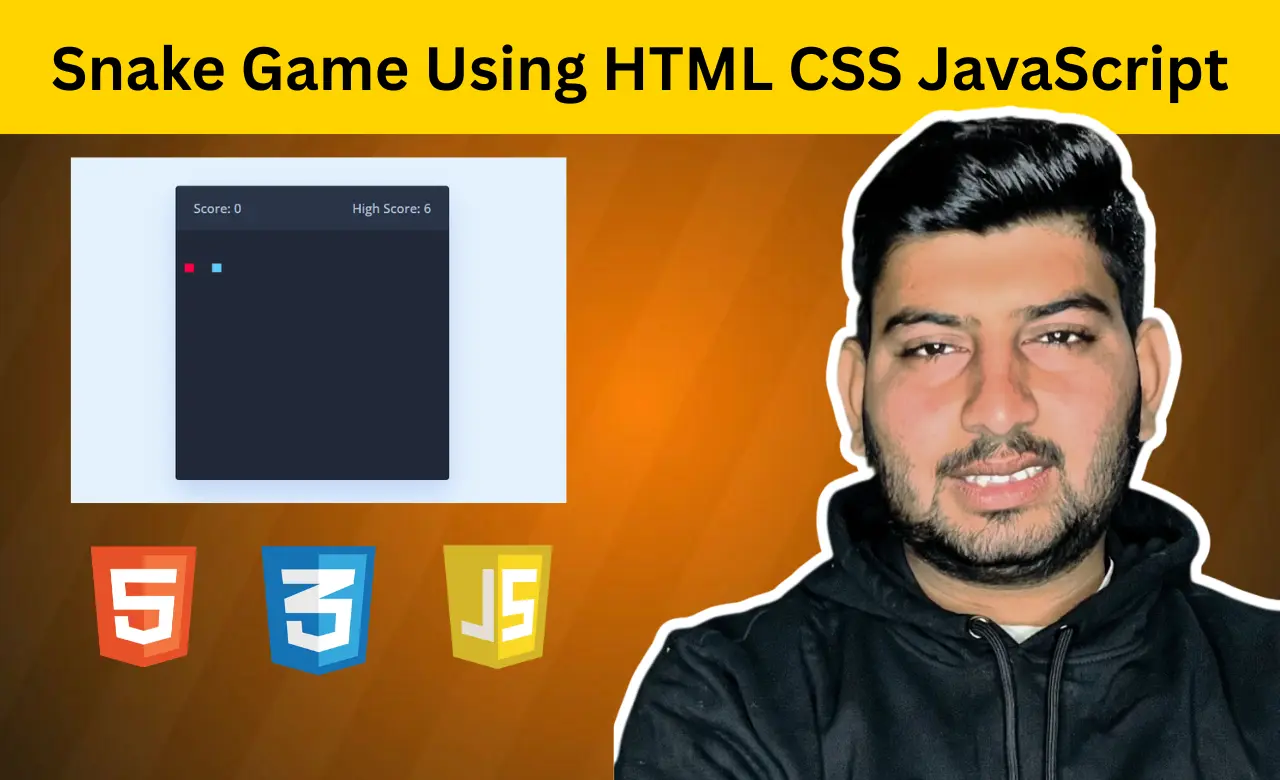
game. The scoreboard displays the current score and highest score, while the game board acts as the area
where all the action happens.
JavaScript handles the rest. As the snake moves, eats food, and
grows longer, the board updates automatically. This approach keeps the HTML lightweight and makes the
game much easier to maintain.
 <div class="wrapper">
      <div class="game-details">
        <span class="score">Score: 0</span>
        <span class="high-score">High Score: 0</span>
      </div>
      <div class="play-board"></div>
      <div class="controls">
        <i data-key="ArrowLeft" class="fa-solid fa-arrow-left-long"></i>
        <i data-key="ArrowUp" class="fa-solid fa-arrow-up-long"></i>
        <i data-key="ArrowRight" class="fa-solid fa-arrow-right-long"></i>
        <i data-key="ArrowDown" class="fa-solid fa-arrow-down-long"></i>
      </div>
    </div>
CSS: Turning a Grid Into a Game
Snake doesn't need complicated visuals to be enjoyable.
The styling focuses on creating a clear playing area that's easy to follow. The game board uses a grid layout, allowing JavaScript to position the snake and food precisely without relying on absolute positioning.
The clean design also helps players focus on what actually matters: not accidentally running into their
own tail.
The game board uses CSS Grid to create a 30×30 playing area.
.play-board {
  display: grid;
  background: #212837;
  grid-template: repeat(30, 1fr) / repeat(30, 1fr);
}
This approach makes positioning much easier. Each part of the snake and every food item simply occupy a
specific grid cell.
The mobile controls are another thoughtful addition.
@media screen and (max-width: 800px) {
  .controls {
    display: flex;
  }
}
On smaller screens, touch controls automatically appear, allowing players to enjoy the game without relying on a keyboard.
JavaScript: Bringing the Snake to Life
This is where the project becomes much more than a moving square on a screen.
Making Food Appear in Random Places
A Snake game would get boring pretty quickly if food always appeared in the same spot.
Instead,
the game generates a new location every time food is eaten.
const updateFoodPosition = () => {
    foodX = Math.floor(Math.random() * 30) + 1;
    foodY = Math.floor(Math.random() * 30) + 1;
}
This simple piece of logic keeps the gameplay fresh. Players can't memorise patterns because they never
know where the next piece of food will show up.
Sometimes it appears right in front of the
snake.
Other times, it feels like the game is deliberately testing your patience.
Teaching the Snake Where to Go
Movement sounds straightforward until you realise one important thing:
The snake shouldn't be
allowed to instantly turn back into itself.
The game checks each key press before changing
direction.
const changeDirection = e => {
    if(e.key === "ArrowUp" && velocityY != 1) {
        velocityX = 0;
        velocityY = -1;
    } else if(e.key === "ArrowDown" && velocityY != -1) {
        velocityX = 0;
        velocityY = 1;
    } else if(e.key === "ArrowLeft" && velocityX != 1) {
        velocityX = -1;
        velocityY = 0;
    } else if(e.key === "ArrowRight" && velocityX != -1) {
        velocityX = 1;
        velocityY = 0;
    }
}
At the beginning, these controls feel easy.
A few minutes later, when the snake stretches across
half the board, pressing the correct arrow key suddenly becomes a lot more stressful than it should be.
That's also what makes Snake so enjoyable. The challenge grows naturally as players improve.
Chasing a Better High Score
For many players, the real goal isn't just surviving. It's beating their previous score.
This
project saves the highest score using Local Storage, allowing players to keep their record even after
refreshing the page.
highScore = score >= highScore ? score : highScore;
localStorage.setItem("high-score", highScore);
scoreElement.innerText = `Score: ${score}`;
highScoreElement.innerText = `High Score: ${highScore}`;
It's a small feature, but it adds a surprising amount of motivation.
You might start a new round
just for fun.
Then you notice you're only a few points away from your best score.
Suddenly, "one more game" doesn't sound like a bad idea after all.
Conclusion
Building a Snake game is a great way to practice JavaScript through a project that's simple, interactive,
and genuinely fun to play. From handling player input to tracking scores and updating the game board,
each feature introduces an important concept without becoming overwhelming.
By the end of the
project, you'll have more than just another practice exercise. You'll have a classic game built from
scratch and probably a new high score you're determined to beat.